Exampro Onscreen uses student data, which can be accessed from the application. Therefore, two important tasks must be completed before you can set onscreen assignments.
- You must be given access to Exampro Onscreen
- Student data must be uploaded
Both tasks need to be completed by your Exampro administrator.
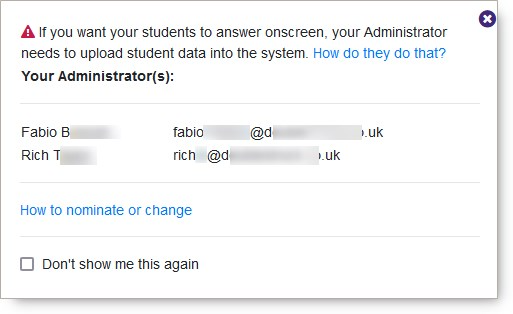
If either task has not been done, the first time you open an onscreen-enabled product, you will see a notification like this.
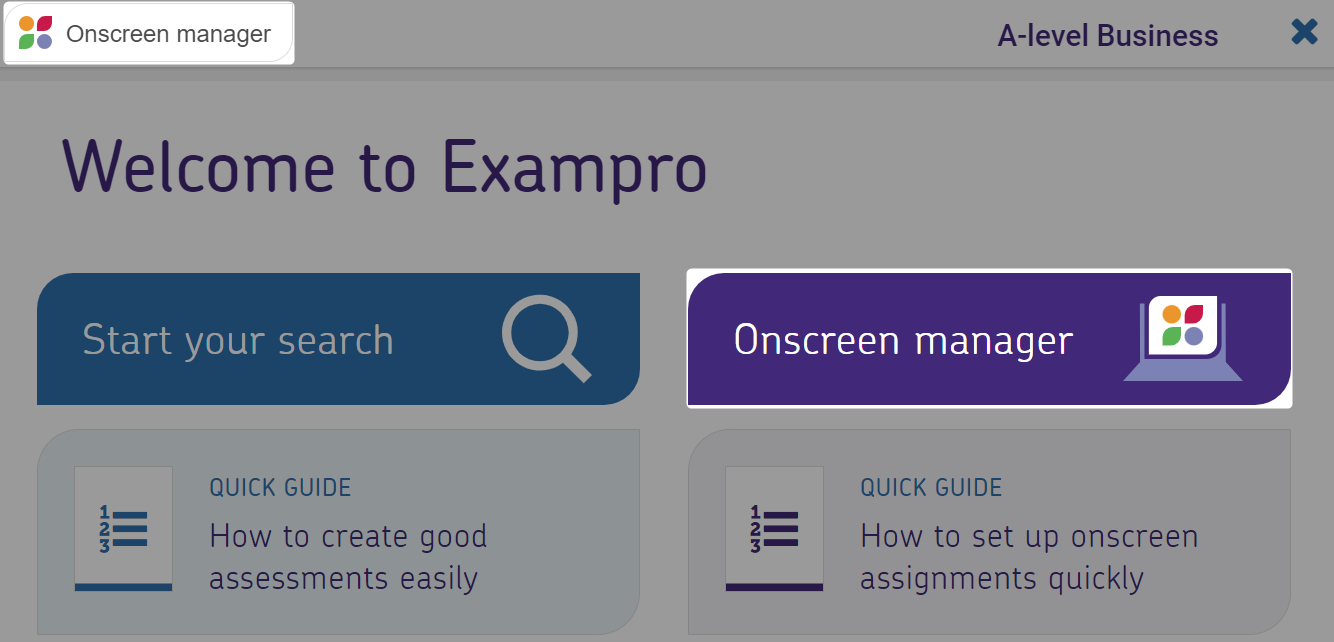
Alternatively, every time you click the Onscreen Manager button in any onscreen-enabled product...
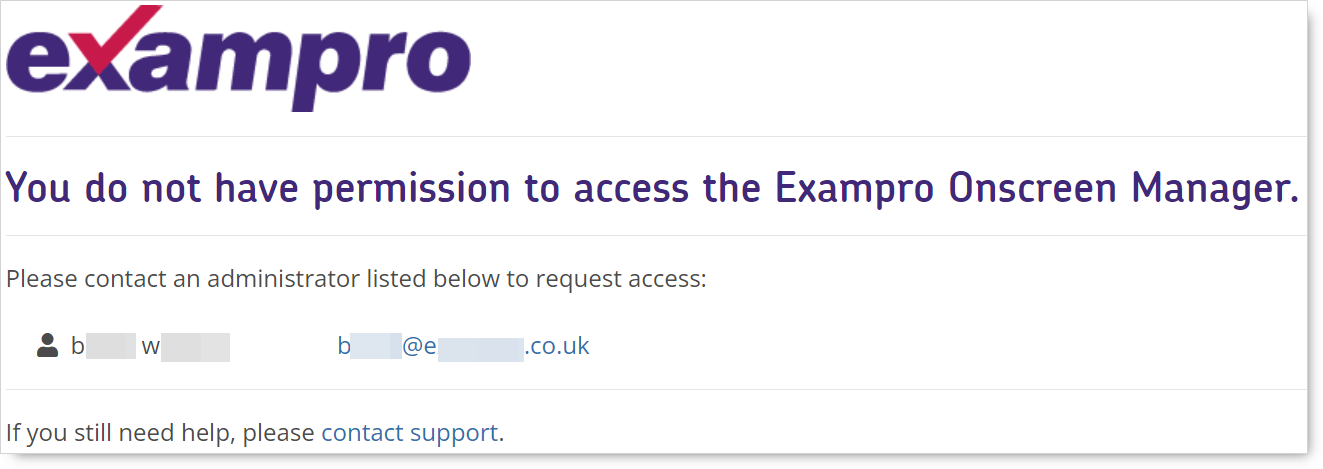
....if you do not have access to Exampro Onscreen you will see this notification along with details of who your Exampro administrator(s) are.
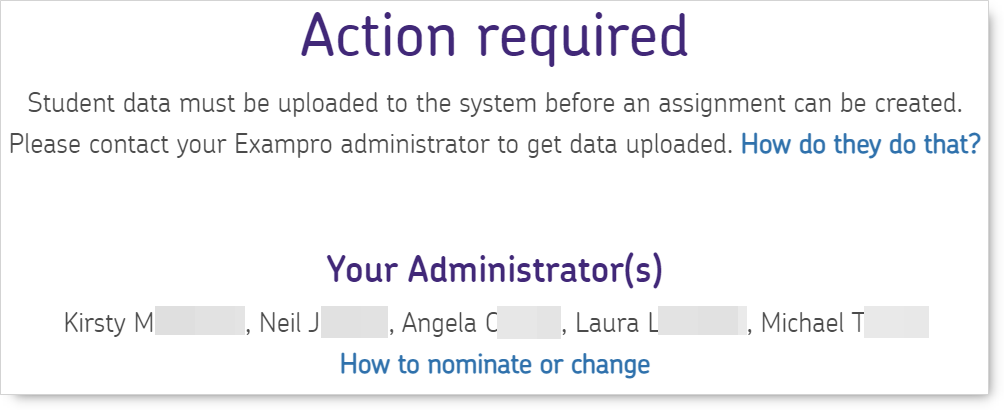
...if student data has not been uploaded you will see this notification along with details of who your Exampro administrator(s) are.
 Click Your Admins in the top right corner of the Gatekeeper to find out who your administrator(s) as soon as you log in.

You will either see a notification informing you of how many administrators your school has and who they are
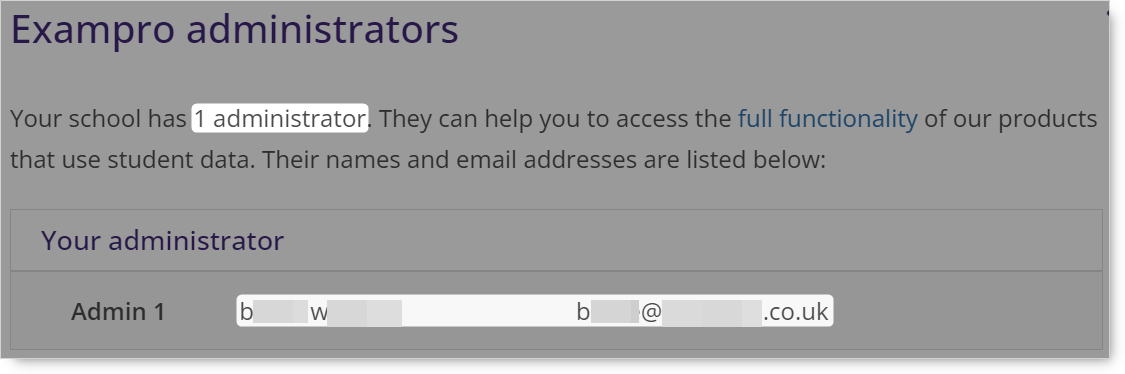
Or you will see a notification advising you that your school does not have an administrator yet and to contact our Support Team to nominate one.

Go to the Administrators section in the menu to the left of this page to find out more about giving teachers access to Exampro Onscreen and uploading student data.