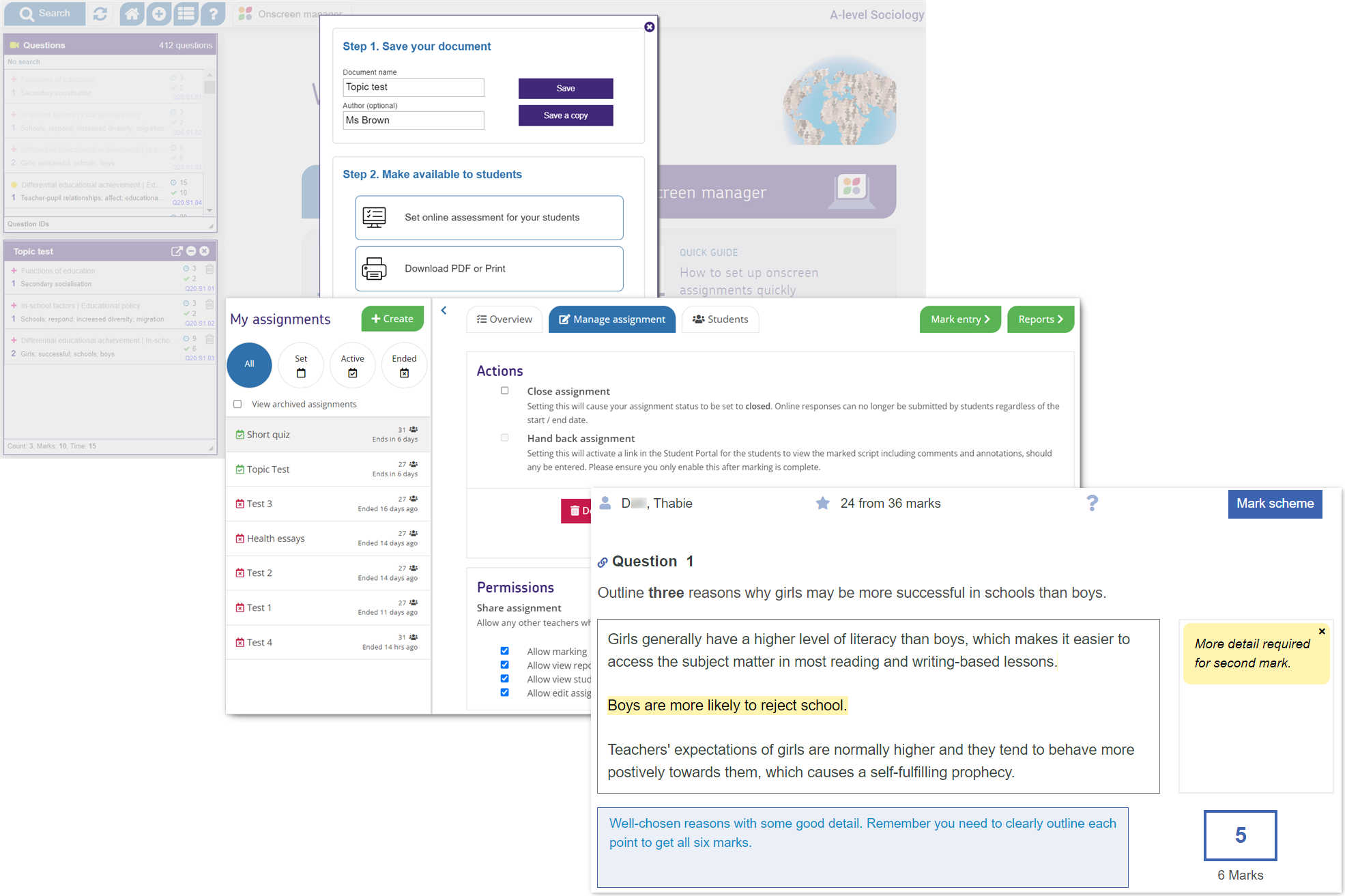
There are differences between the classic and onscreen-enabled Exampro question banks. Importantly, your school would need to upload student data in order to benefit from the onscreen functionality. Therefore, this set of FAQs provides all the information you would need to use the onscreen-enabled products from start to finish.
Classic Exampro
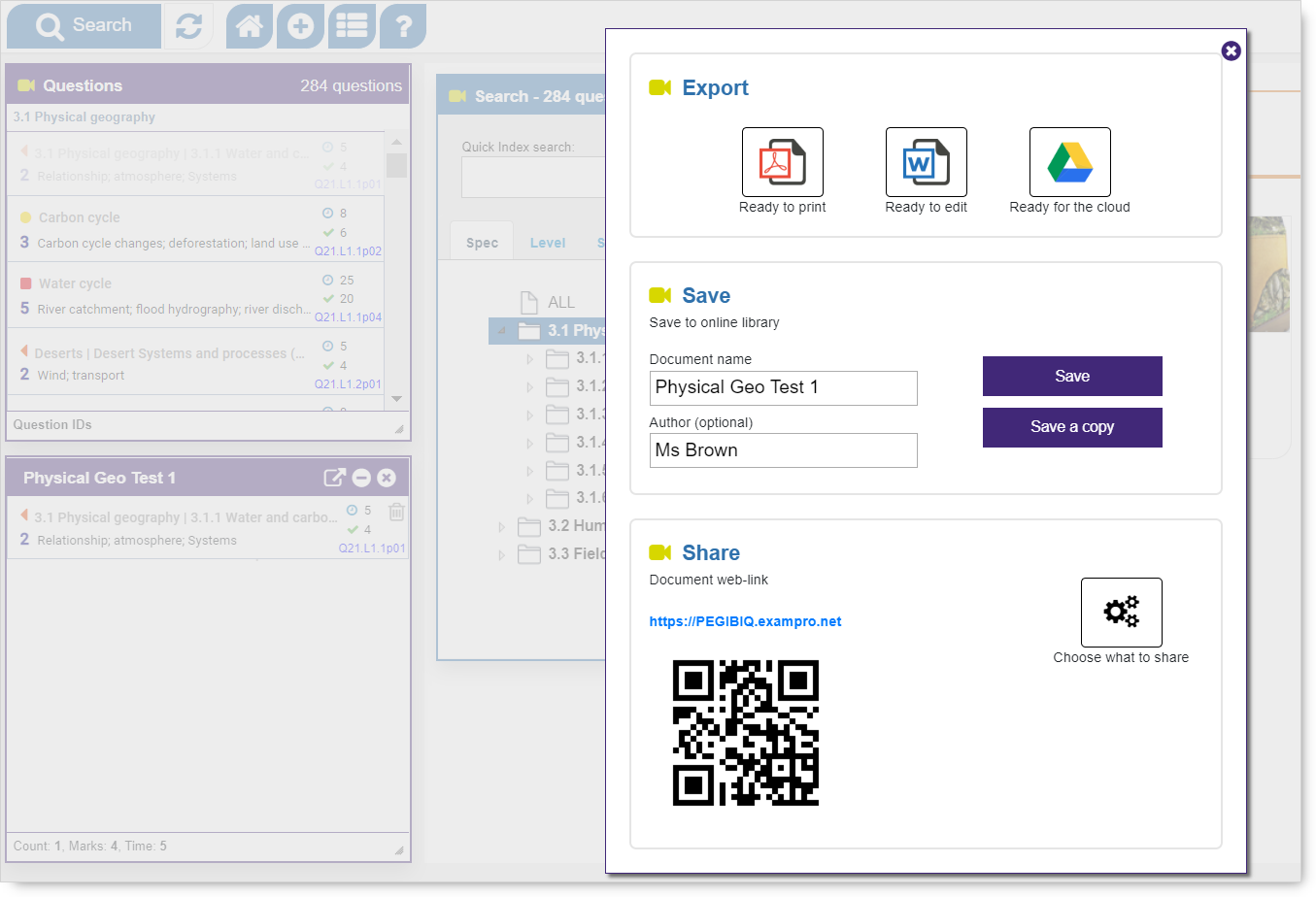
The classic Exampro question banks provide the tool to create bespoke assessments that can be exported for editing and printing or shared via URL. They are perfect for print-based, offline assessment.
Onscreen-enabled Exampro
The onscreen-enabled question banks provide an editable pdf option for printed assessments but they also offer the opportunity to carry out the whole assessment process onscreen.
Tailored documents can be created and used to set onscreen assignments which can then be completed in our secure, easy-to-use student portal. Students' work can be marked onscreen (with automarking for multiple choice questions) and, once marked, reports are generated automatically. Marked annotated responses can be handed back to students with a report summarising their performance.