In order for students to complete the assignment(s) you have set, they will need their login credentials.
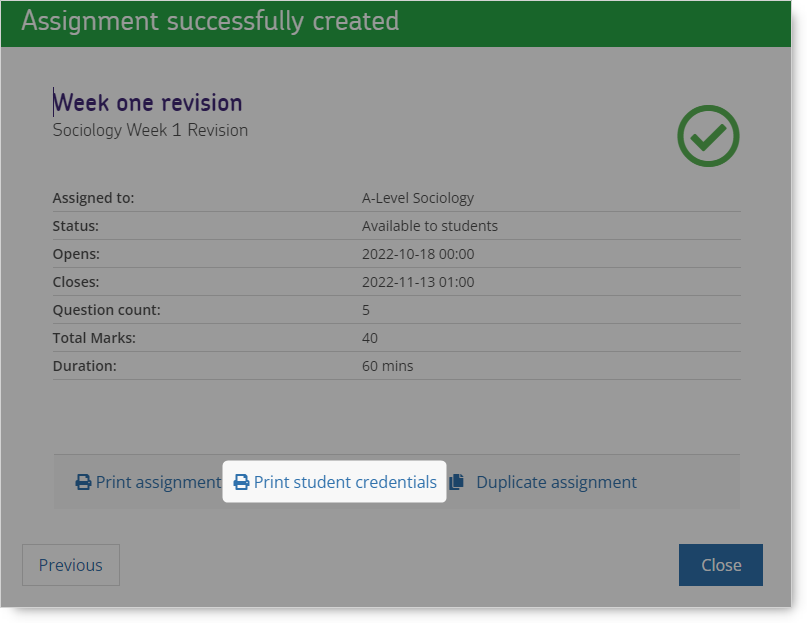
Click the Print Student Credentials button from the last step of the Create Assignment wizard to access the list of credentials for all of the students to whom an assignment has been assigned.
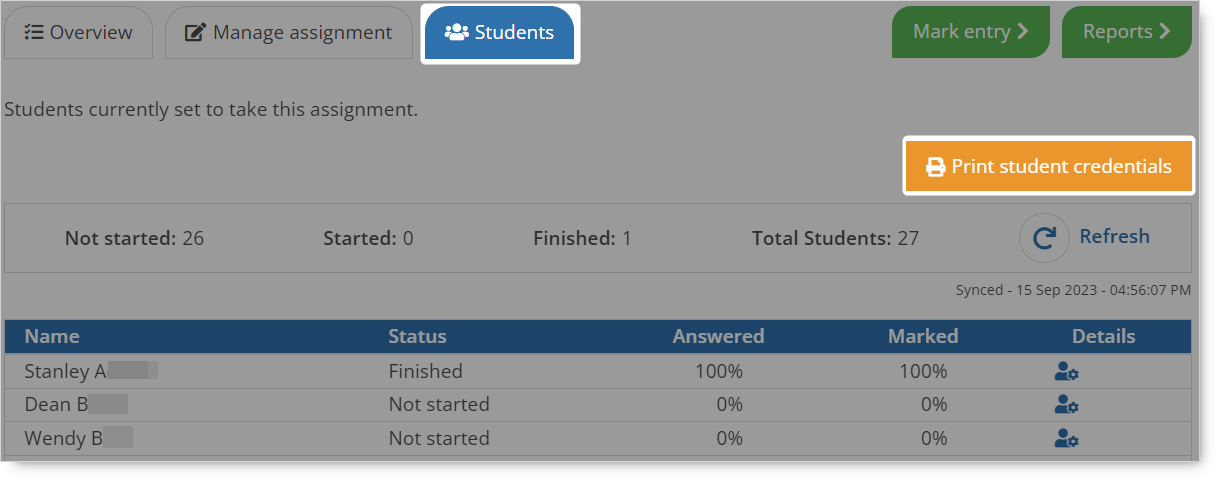
Or select the Students tab of the Assignment Details section.
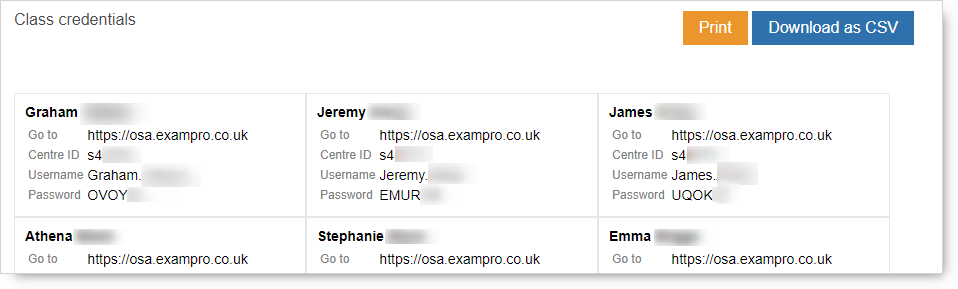
You can print the list of student credentials or download the credentials as a csv spreadsheet to distribute them.
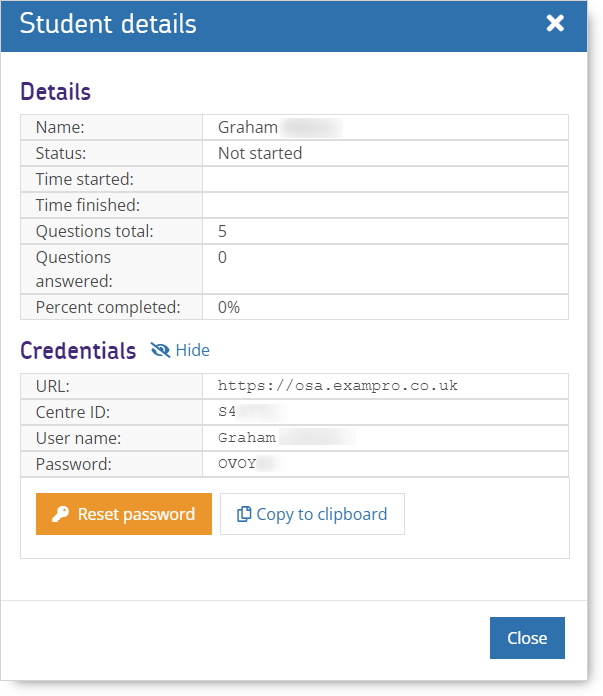
Click the  icon on the right hand side of the student list, then click Show next to Credentials in the resulting dialogue box to find an individual student's credentials.
You will then see something like this:
NB An individual student will have the same login credentials for any assignment that is set from any Exampro Onscreen product.