Exampro Onscreen allows your teacher to set assignments for you to complete onscreen.
You need to log into the student portal with the credentials provided by your teacher to complete them.
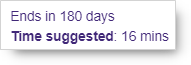
Assignments might show Time suggested, which is a guide for how long an assignment should take you, though you can take as much time to complete them as you like, as long as you hand them in by the end date and time.
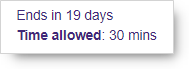
Other assignments might show Time allowed, which is the time limit that you have to complete them. For these assignments you will need to hand in your work by the time the clock in the top right hand corner has counted down to zero.
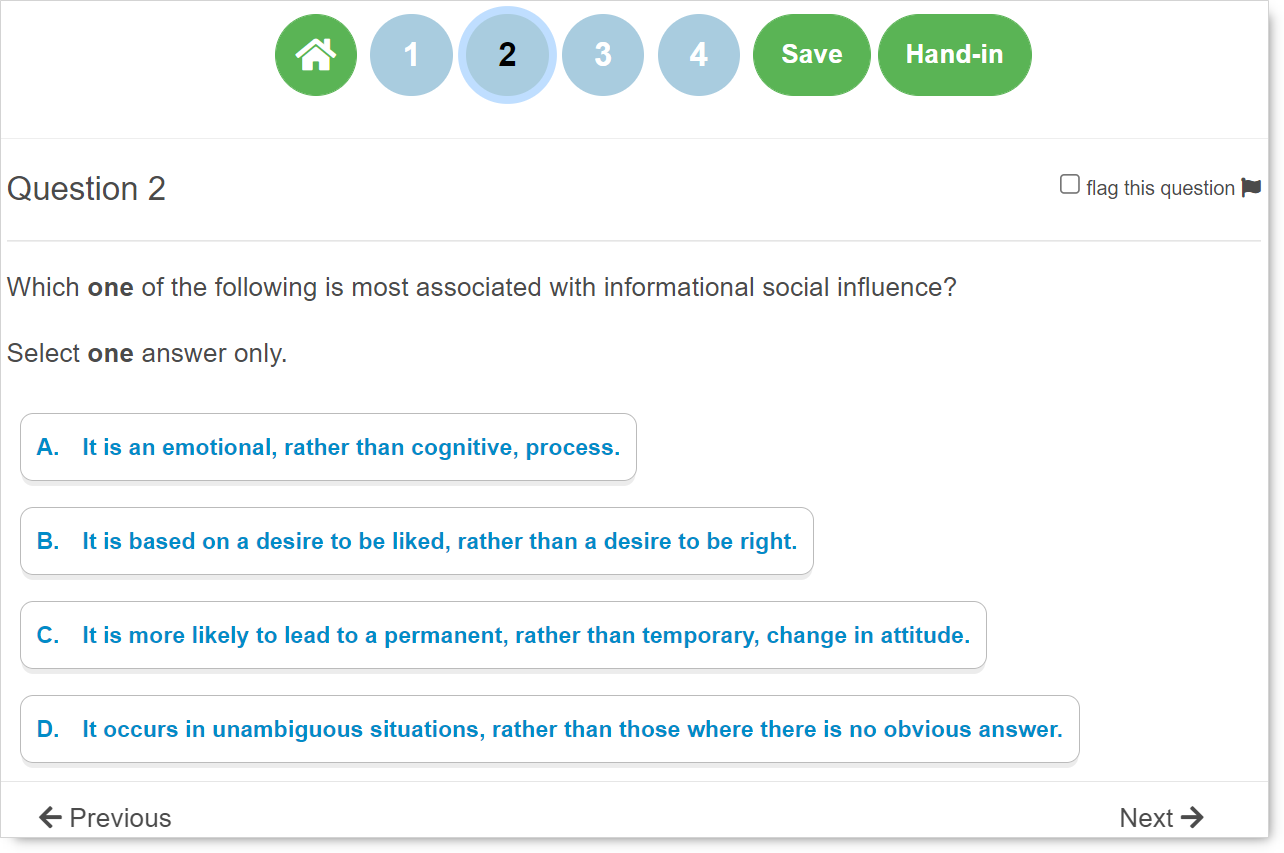
The assignment itself will consist of one or more questions that you can access via the numbers across the top of the screen or by using the Next and Previous buttons at the bottom of the screen.
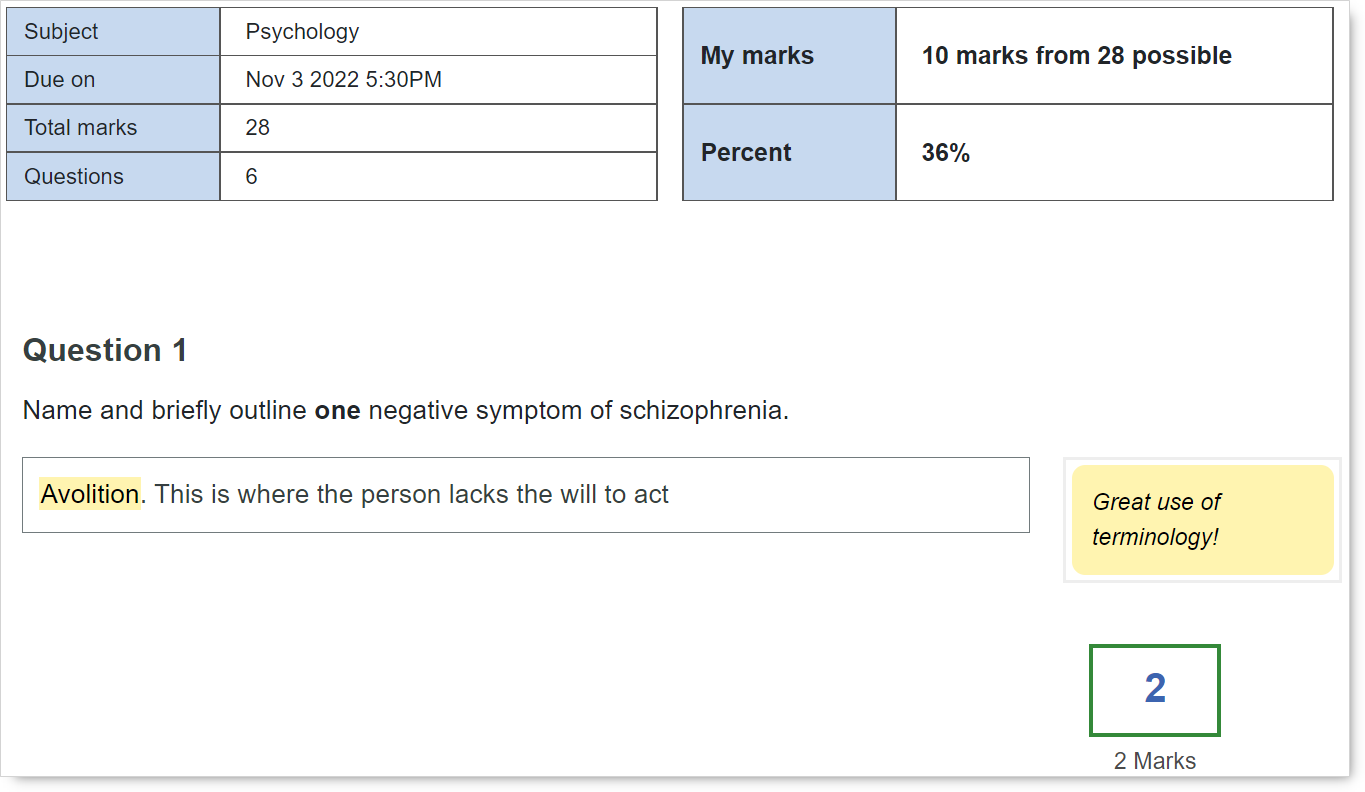
Once you have handed in your assignment, your teacher can mark and add comments to your work onscreen. They can then hand it back for you to review their feedback.