Creating an onscreen assignment
How to launch the assignment wizard from the question bank
Create and save a new document or reopen a document in the Exampro online library and click the Save/Export document icon to begin.

Click Set and manage assignment.
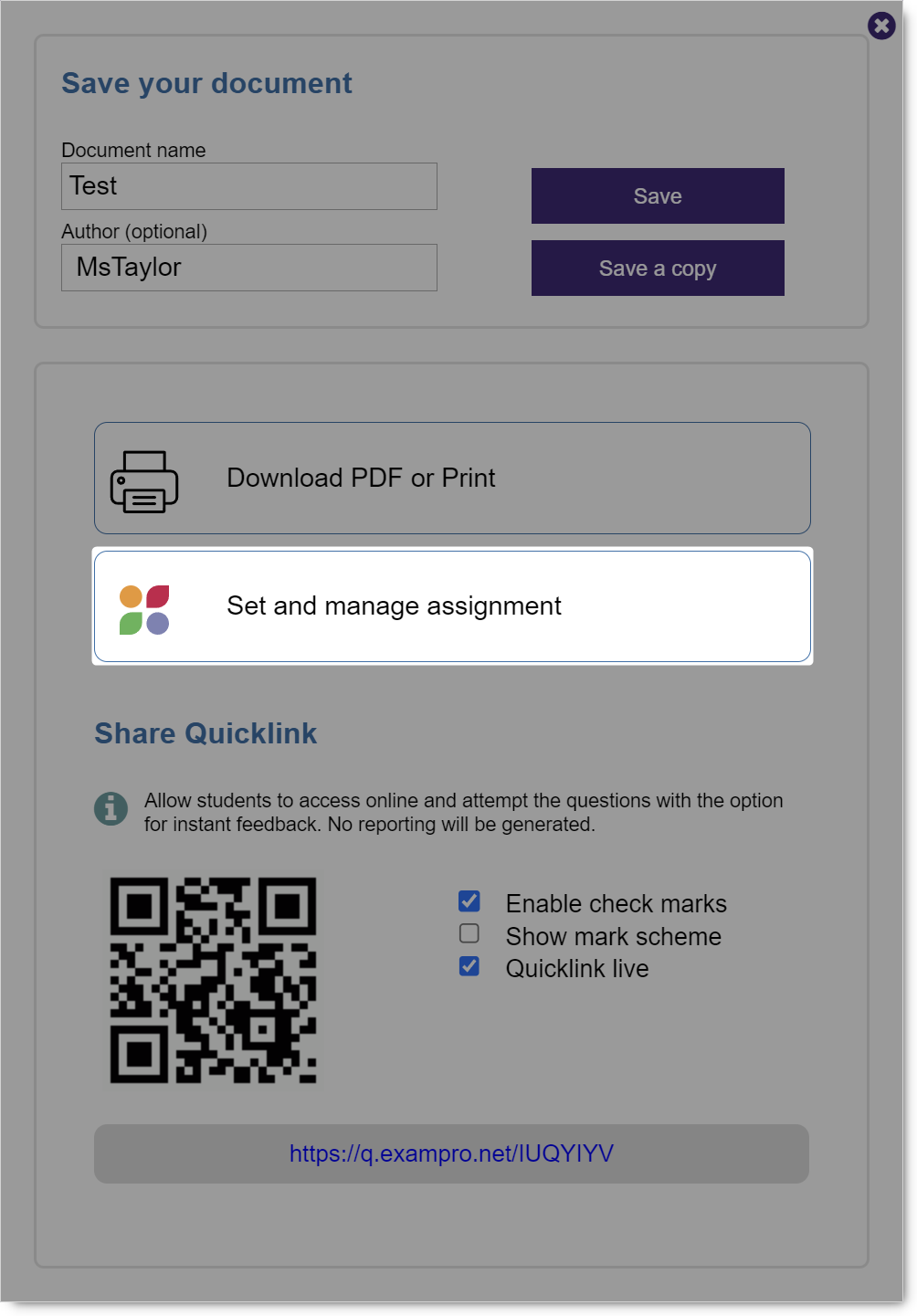
Use the assignment wizard to create an assignment which can be managed, completed and marked onscreen with automatically generated reports.
Find out more in the Using the Onscreen Manager section of the FAQs.
NB If you wish to share an interactive version of your document, which
- Does not require student data
- Can be attempted online
- Has the option to check marks instantly and view mark schemes
You should use the Share Quicklink option. Find out more.